
Exporting bank statements made easy, on mobile and on web
- Client
- Allica Bank
- Role
- Senior Product Designer
- Year
- 2022
- Tags
- Mobile, Web, Research, UX, UI
No way to get hold of a statement
Business banking customers could not view or export statements in the Allica app or on web. A statement is not a nice extra for a business: it is what gets handed to an accountant, a lender or an auditor. There was no way to produce one.
Statements a customer can actually get out
Design a statements experience that lets business banking customers export:
How the project ran
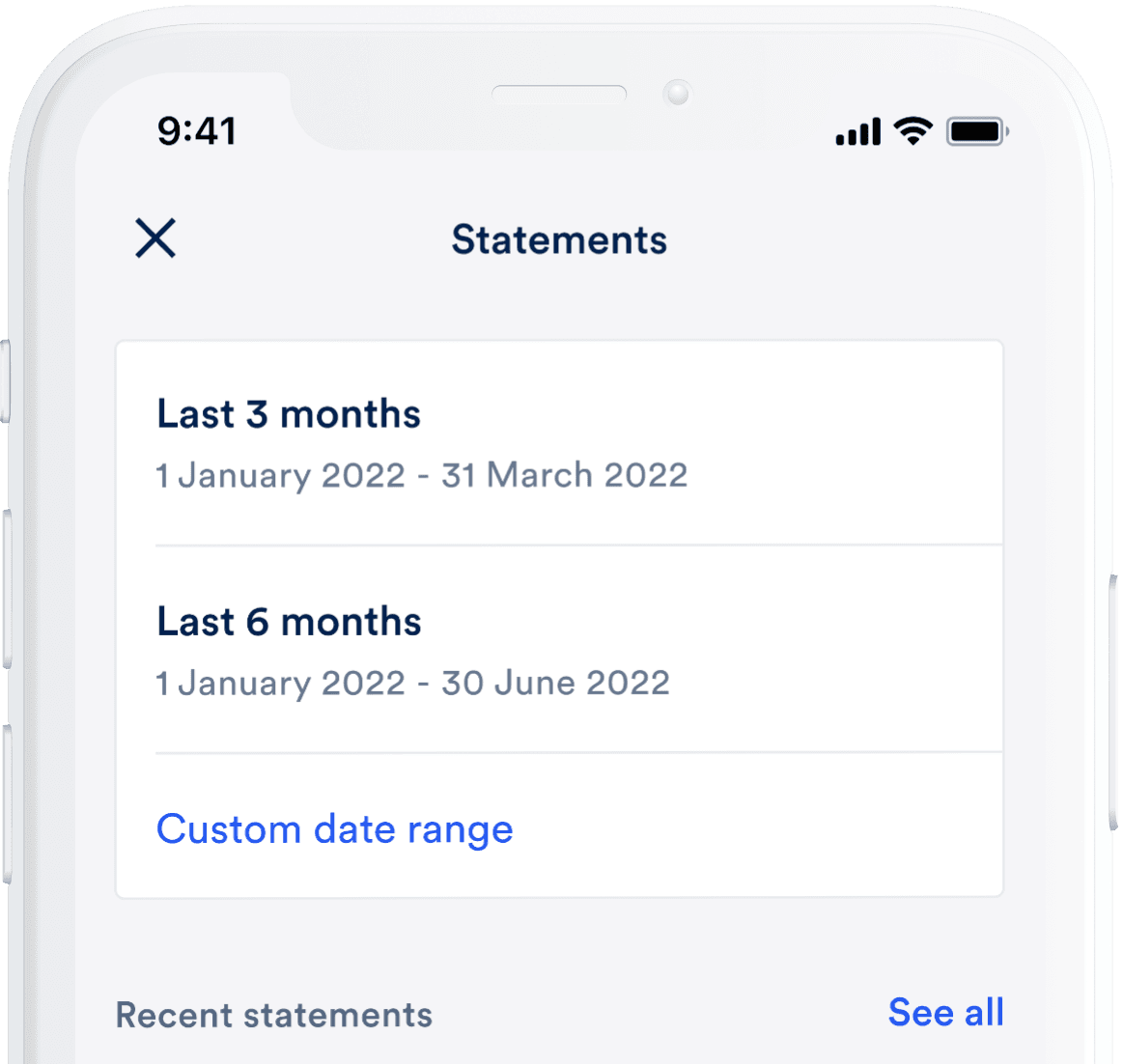
Statements in the app
A single month, or a range you choose
Exporting a single month is the path most customers take, so it is the shortest one. A custom date range sits alongside it for everything else and both produce either a PDF or a CSV.
From a brand new account to years of history
A statements screen is only ever as full as the account behind it. A business that opened last week has nothing to export and one that has been running for years has too much to list at once. The screen had to hold both ends of that without feeling like a different screen.
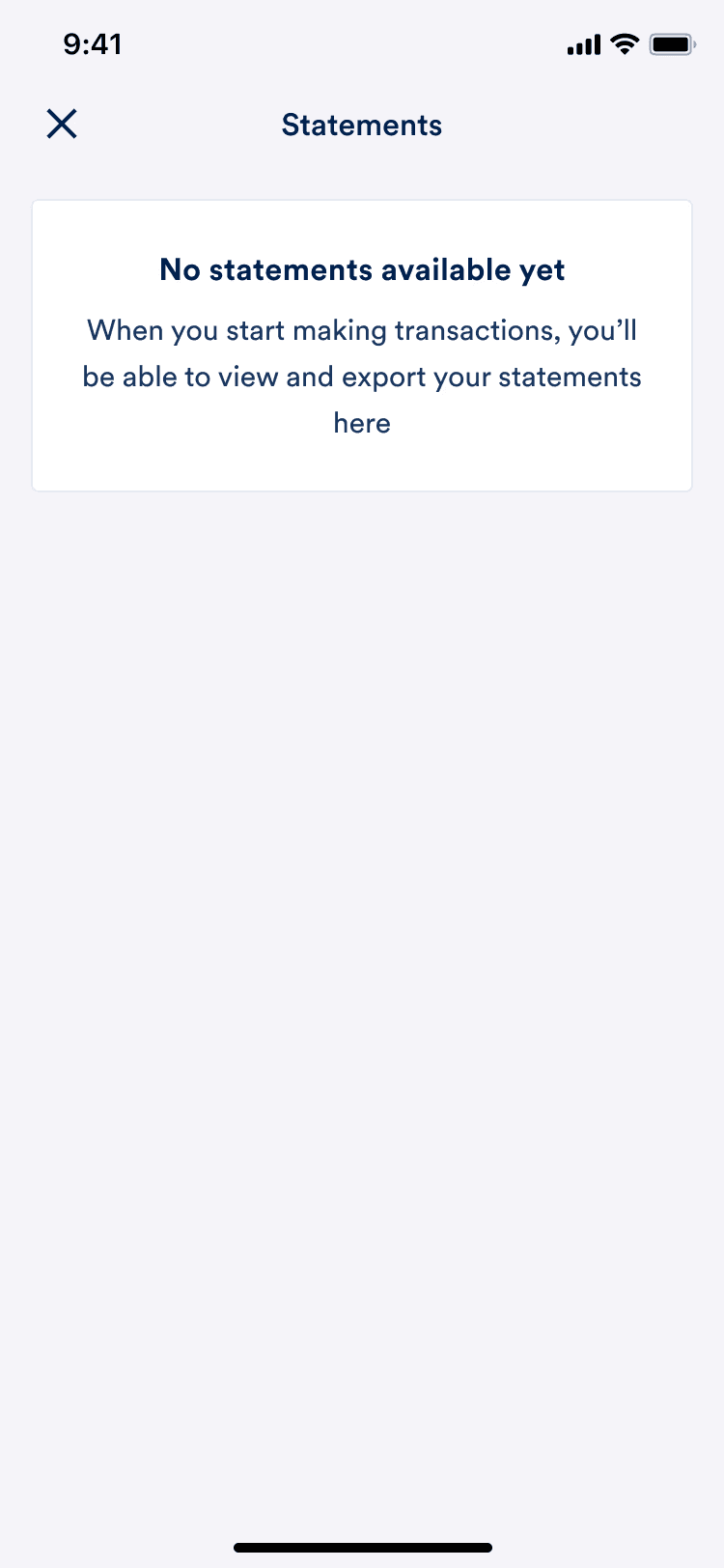 None available
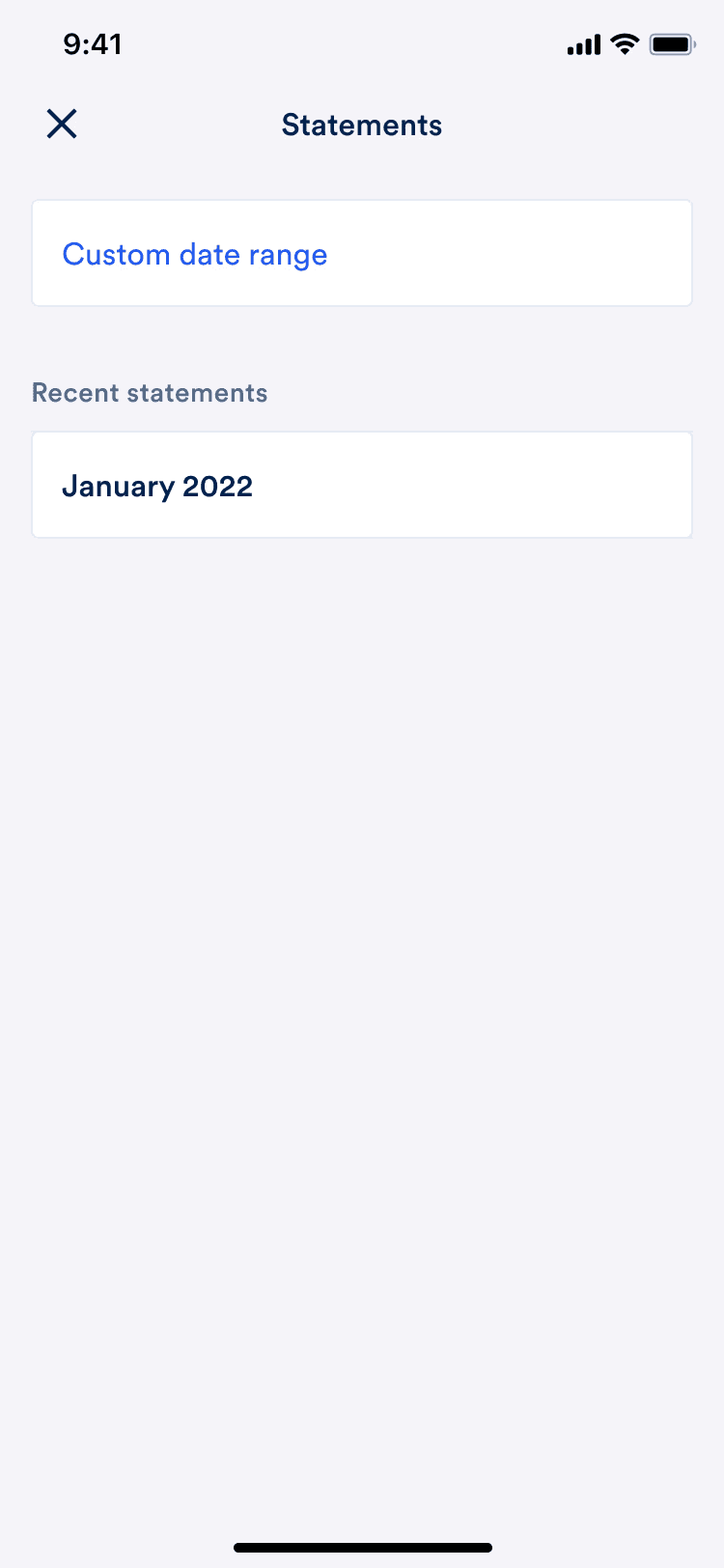 1 month available
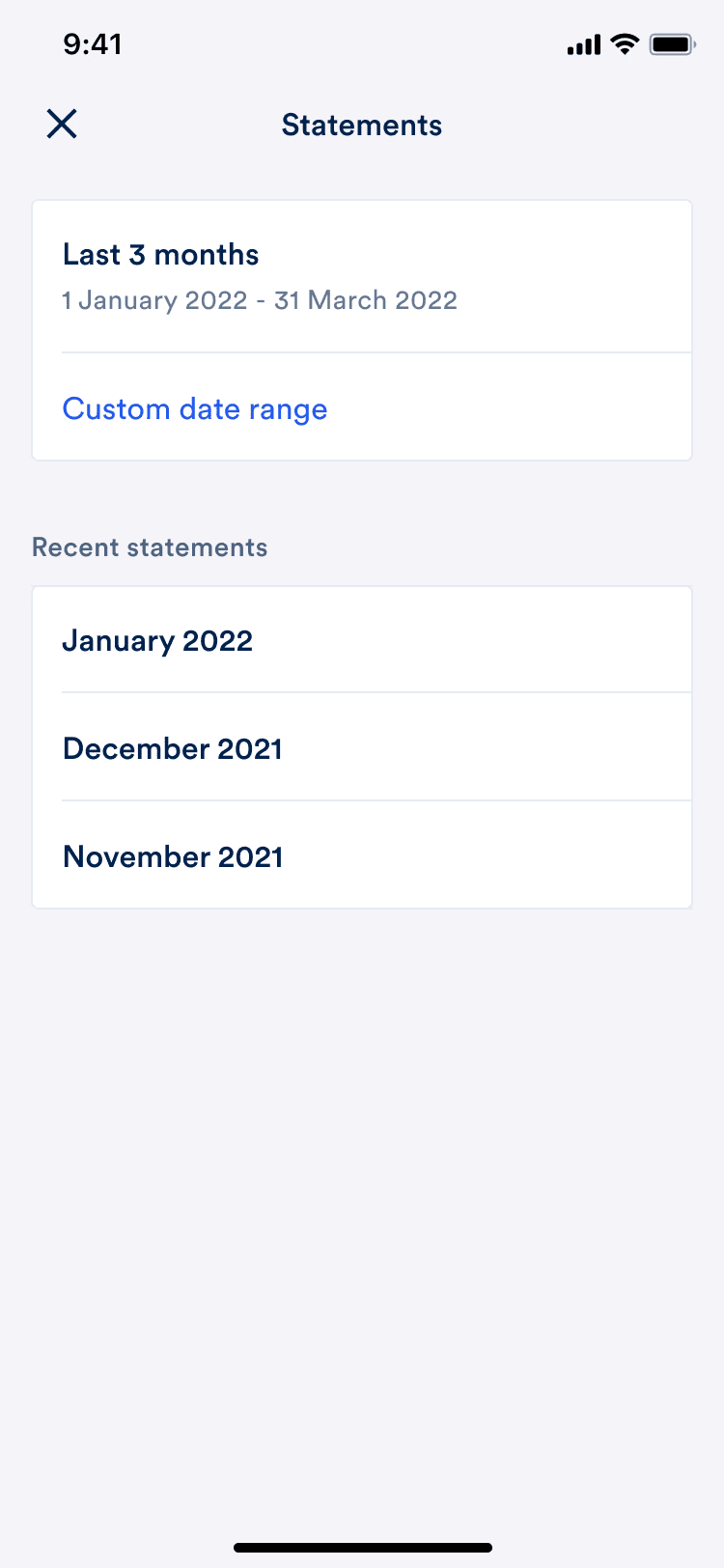 3 months available
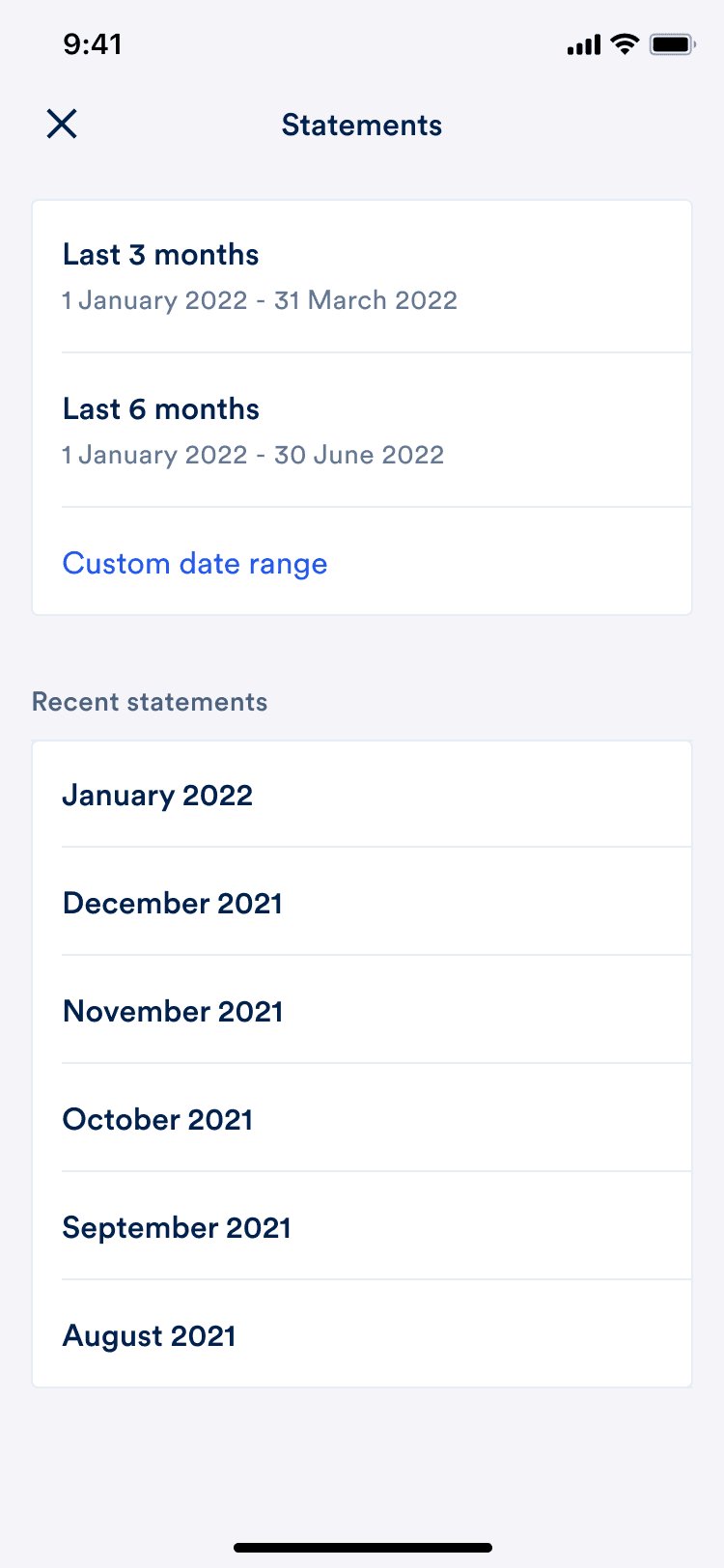 6 months available
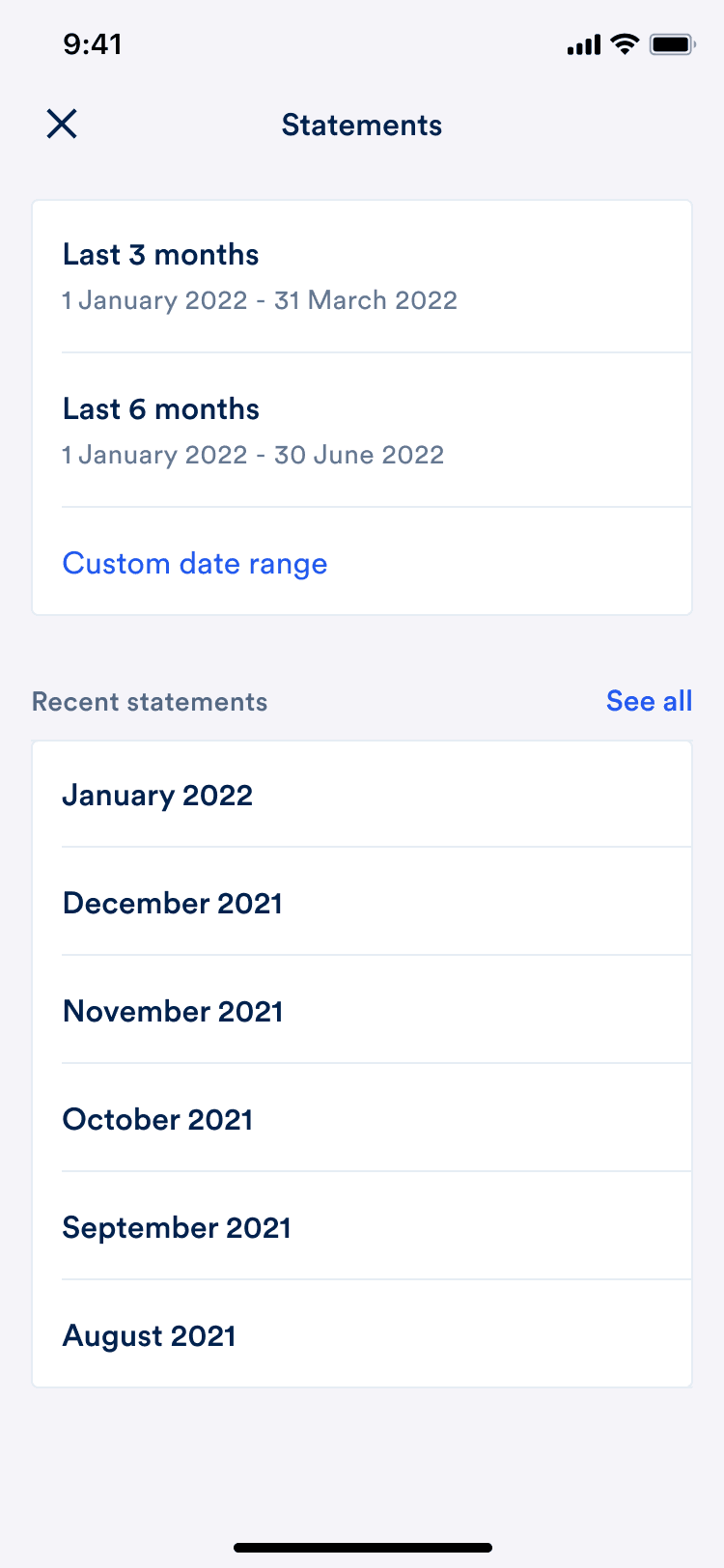 6+ months available
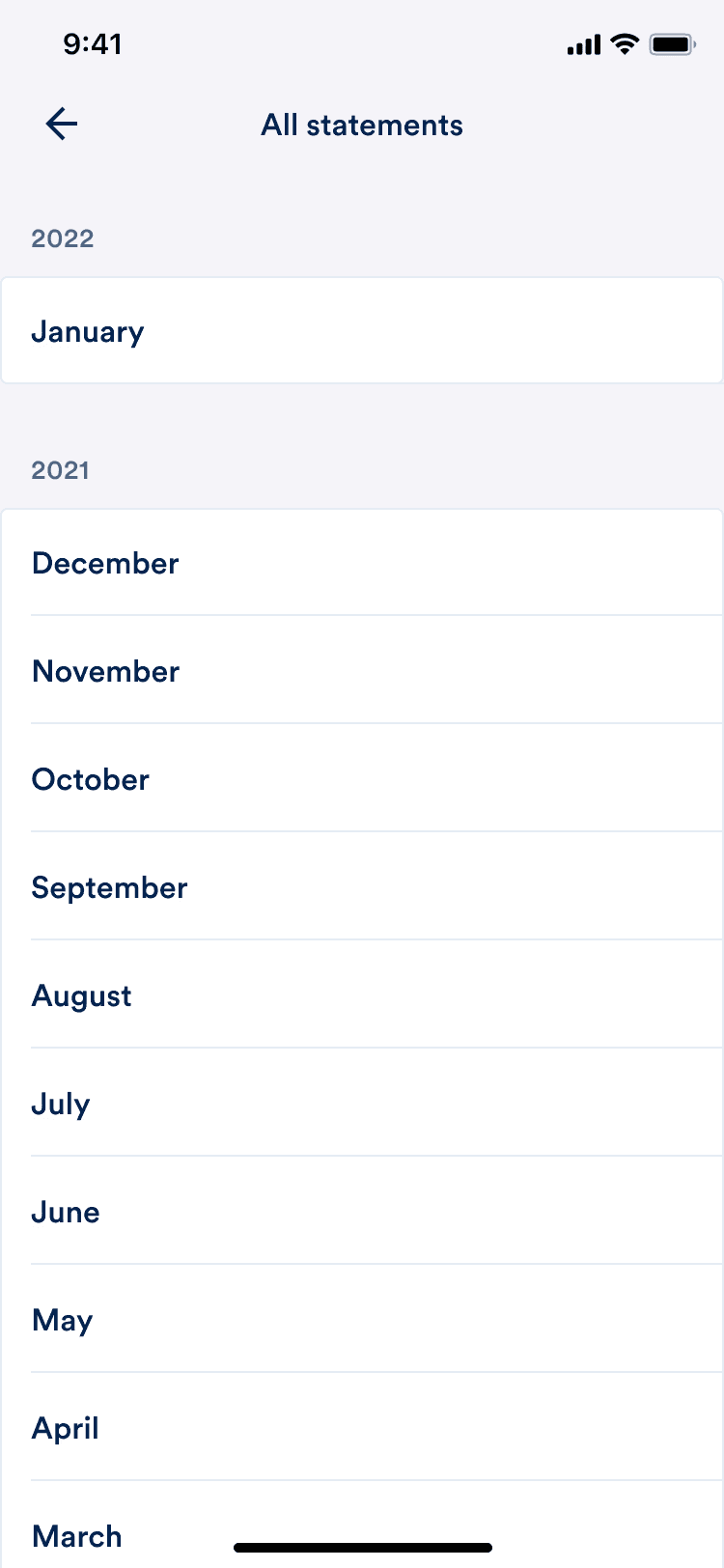 All statements
Statements on the web
On web we took a mobile first approach, using modals triggered by buttons and links. When a customer clicks the Statements quick action, a drawer moves in from the right of the screen.
That let the web export follow the same steps, in the same order, as the app. A customer who has done it once on their phone already knows how to do it at their desk.
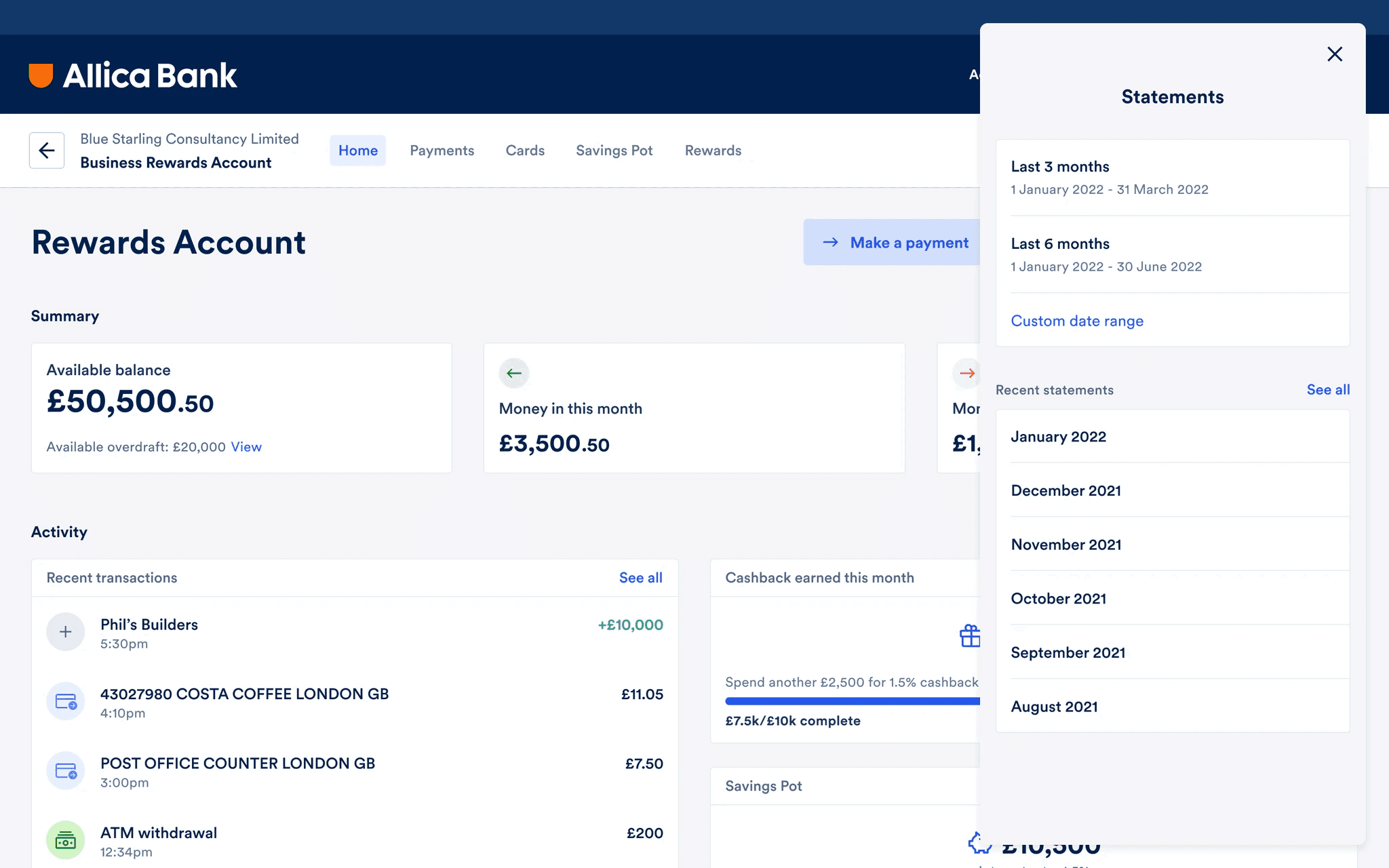 Statements
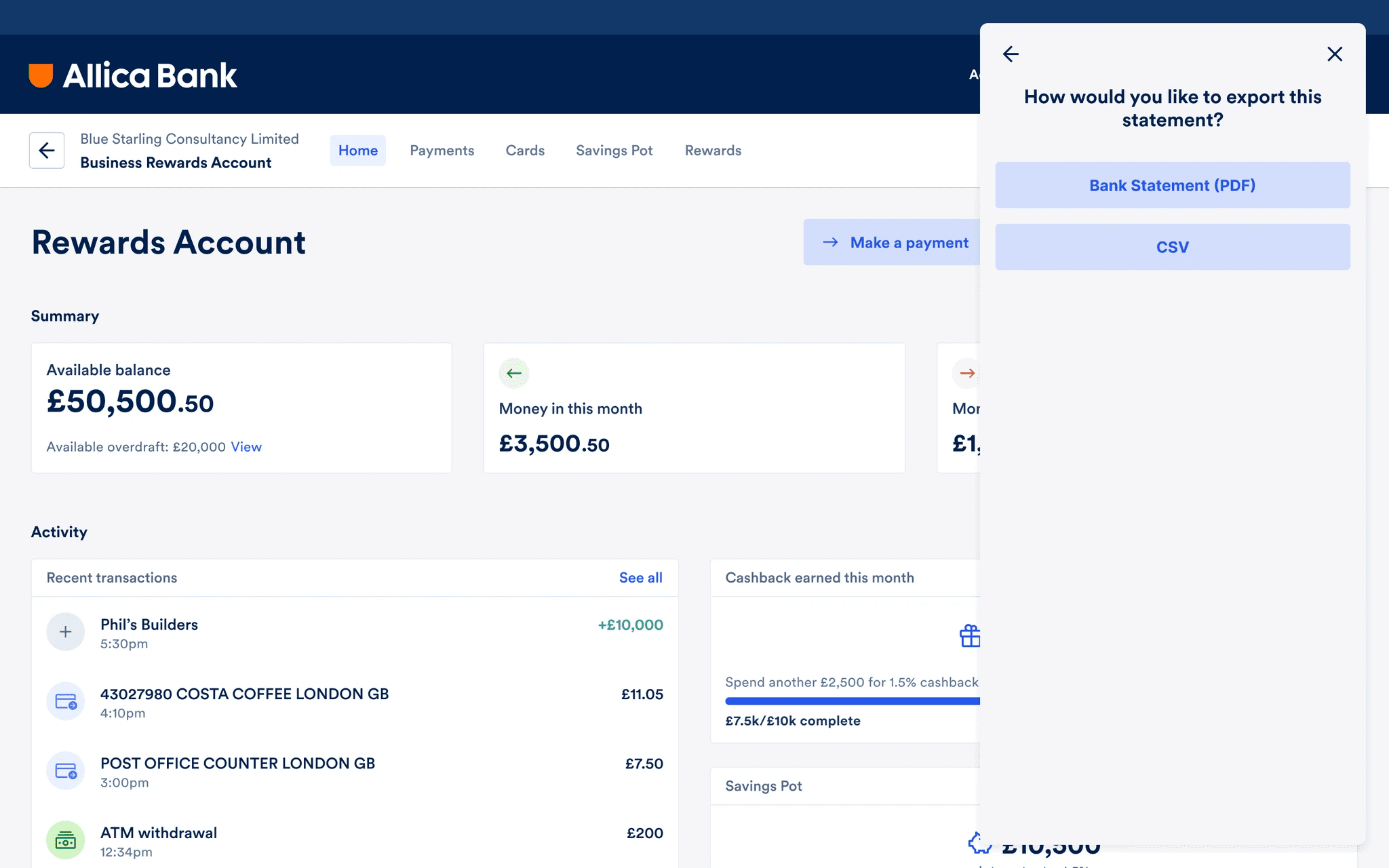 Export type modal
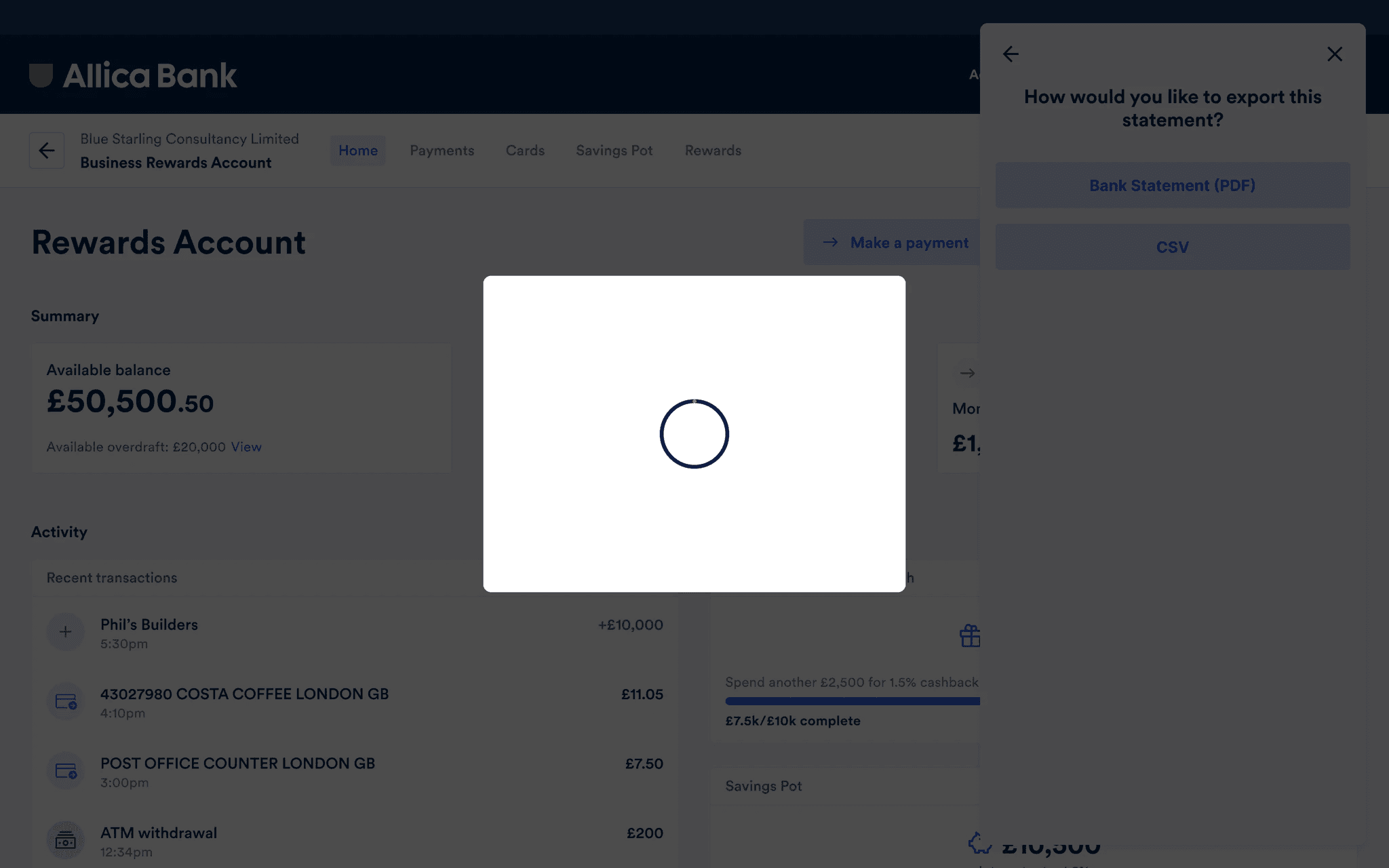 Loading
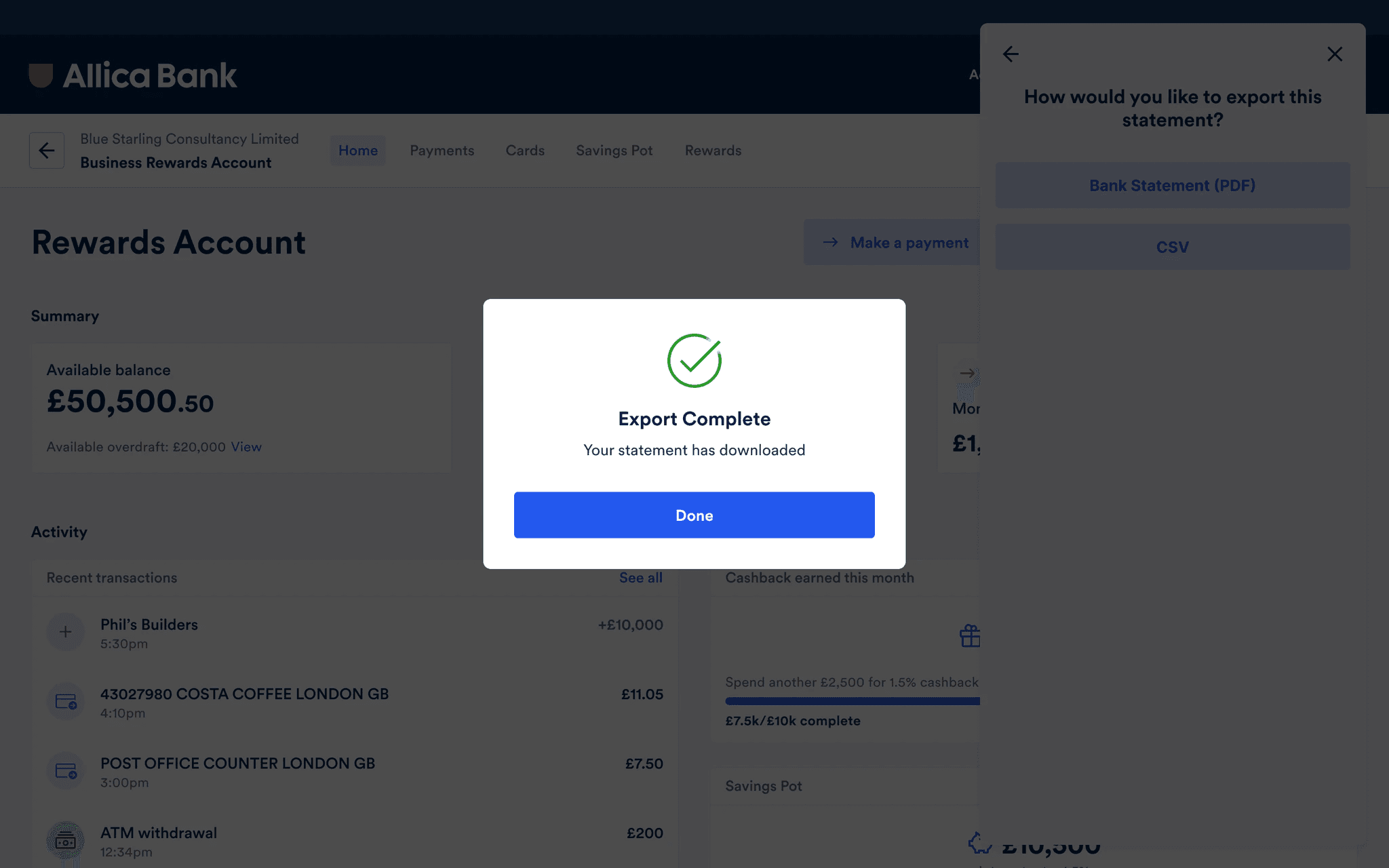 Export complete
Putting it in front of people
What we wanted to learn
Measuring against something
Rather than judging the results by feel, specific measures were set before testing started:
Each was given a pass mark and an excellent score, benchmarked against design industry standards, so the result could be read against something rather than argued about.
| Usability metric | Pass mark | Excellent score |
|---|---|---|
| Single ease question (SEQ) | 5/7 | 6/7 |
| System usability scale | 68/100 | 80.3/100 |
| Task completion rate | 78% | 92% |
| Hesitations and deviations | 4-5 (acceptable) | 6-7 (success) |
Two tasks, both cleared
Two key tasks were tested, both framed around sending a statement to someone who had asked for it.
Task one, exporting and sharing a statement. Kelly Richards has asked you to email her a bank statement from March 2021. Send Kelly the statement she needs. This tested whether customers could find a statement for a month in the past and email it on.
Task two, exporting and sharing a custom statement. Kelly has also asked for a statement covering 9 February 2022 to 23 February 2022. This tested the flexible path, where the period does not match a calendar month.
Both tasks scored 7 out of 7 for time on task. Participants found them very easy to complete and described the experience as simple, intuitive and quick.
Designing the statement itself
The screens are only half of it. The document a customer sends to their accountant is the actual output of this feature. It had to be right.
Working with the product manager and the engineers, we defined what a statement would show. The compliance team was involved throughout to make sure the regulatory requirements were met, which meant I could then propose designs that were both technically feasible and compliant rather than finding out later that they were neither.
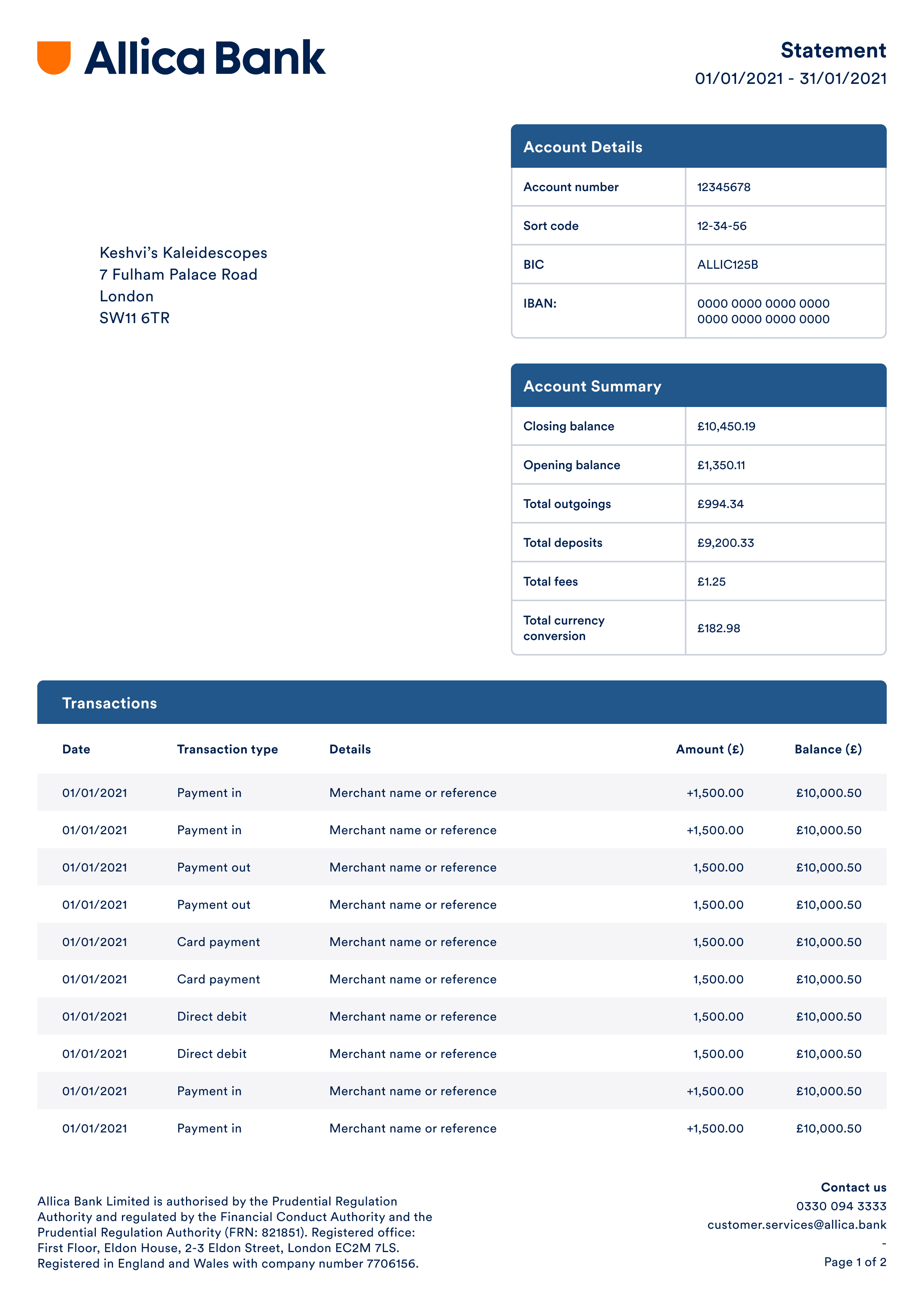 Bank statement, page 1
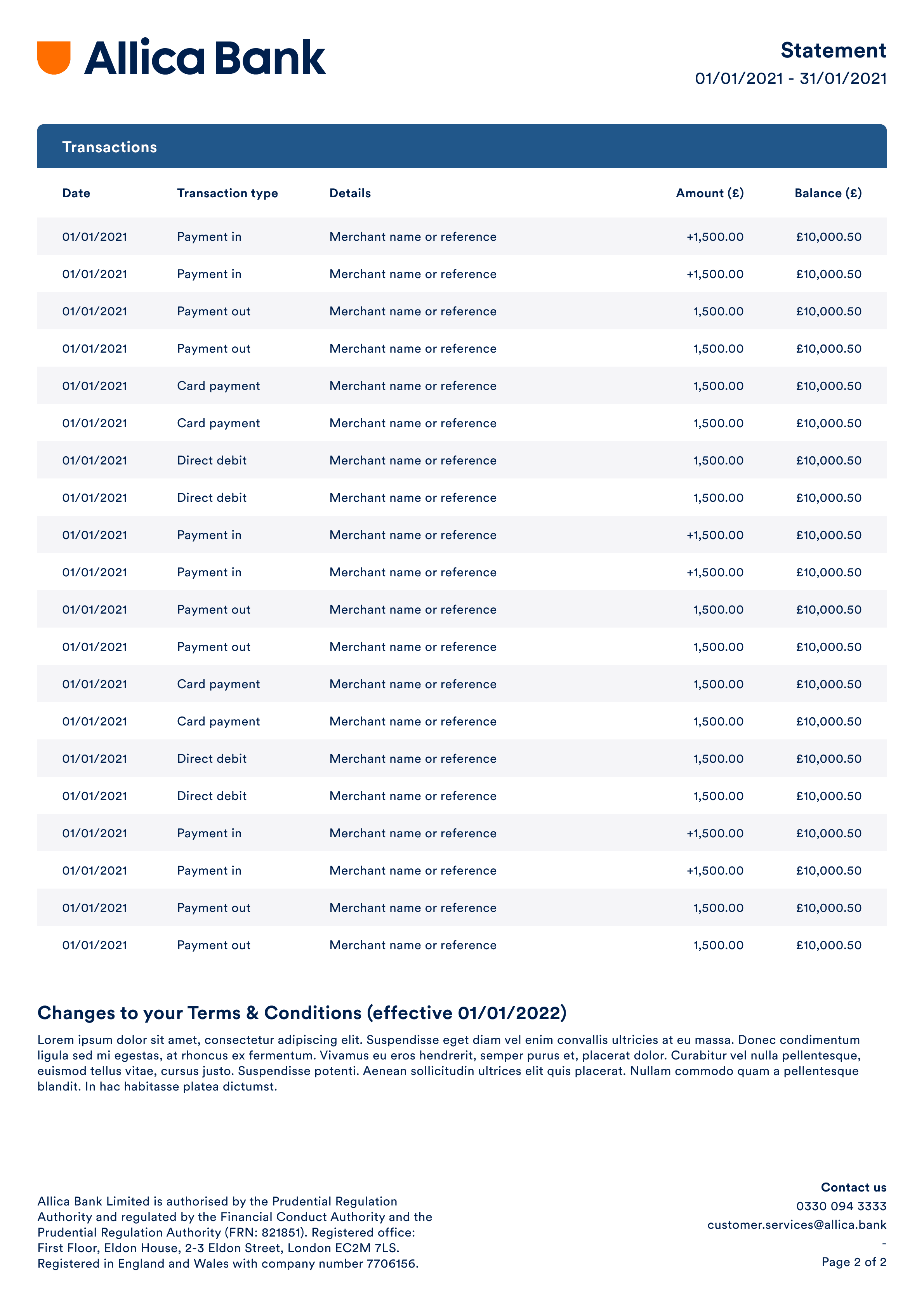 Bank statement, page 2 and beyond
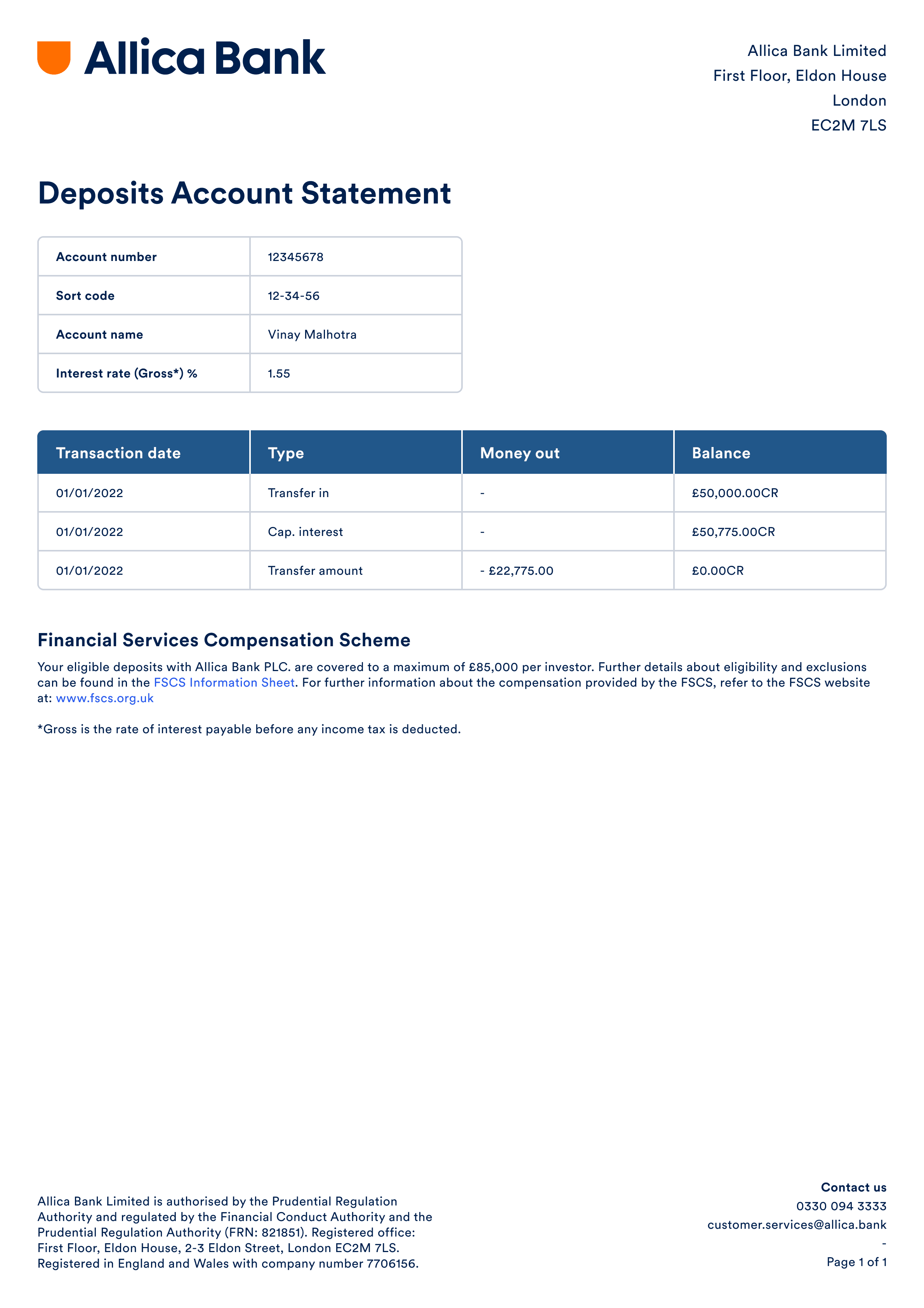 Deposit statement
A statement, in two formats, on both platforms
Business banking customers can export statements as PDFs and CSVs, for a single month or a date range they choose, in the Allica mobile app and on web.
Testimonials
“Khayam was a great asset to the Allica Bank Payments squad. Working on an array of new product features, and contributing to the new, overall design system, khayam had a solid understanding of UX / UI design, and was willing to openly work alongside engineering to come to conclusions quickly but effectively. I’d happily recommend Khayam to any engineering team going forward.”
Andrew McCulloughLead Engineer, Allica Bank